Deploy and validate Jenkins on Arm-based cloud servers
Introduction
Technology stack overview
Create an Arm-based virtual machine using Microsoft Cobalt 100
Create a firewall rule on Azure
Install Jenkins on Azure Ubuntu Arm64 virtual machine
Create a firewall rule on GCP
Create a Google Axion C4A virtual machine
Install Jenkins on GCP SUSE Arm64 virtual machine
Validate Jenkins installation
Build an Arm-native Go CI pipeline on Jenkins (GCP SUSE Arm64)
Build a Docker-based CI pipeline on Arm64
Next Steps
Deploy and validate Jenkins on Arm-based cloud servers
Introduction
Technology stack overview
Create an Arm-based virtual machine using Microsoft Cobalt 100
Create a firewall rule on Azure
Install Jenkins on Azure Ubuntu Arm64 virtual machine
Create a firewall rule on GCP
Create a Google Axion C4A virtual machine
Install Jenkins on GCP SUSE Arm64 virtual machine
Validate Jenkins installation
Build an Arm-native Go CI pipeline on Jenkins (GCP SUSE Arm64)
Build a Docker-based CI pipeline on Arm64
Next Steps
Build an Arm-native Go CI pipeline
You can validate Arm-native CI execution on a GCP SUSE Arm64 virtual machine using Jenkins. Build and execute a simple Go application to confirm that Jenkins, Go, and the underlying system run natively on aarch64.
Prerequisites
Before starting, ensure the following components are available:
- Jenkins installed and running on a GCP SUSE Arm64 virtual machine
- Jenkins web UI accessible
Prepare a Go application on the GCP SUSE Arm64 virtual machine
Prepare a simple Go application that Jenkins will build and execute.
Install Go
Install the Go programming language:
sudo zypper install -y go
Verify Go installation:
go version
The output is similar to:
go version go1.x.x linux/arm64
Create a sample Go application
Create a small Go program:
mkdir -p ~/go-demo
cd ~/go-demo
Create main.go:
cat <<EOF > main.go
package main

import "fmt"

func main() {
    fmt.Println("Hello from Go on Arm64 via Jenkins")
}
EOF
Initialize the Go module:
go mod init go-demo
Test the application locally:
go run main.go
The output is similar to:
Hello from Go on Arm64 via Jenkins
Create a Jenkins pipeline job
Create a Jenkins pipeline to build and run the Go application automatically.
Create a new job
- Open the Jenkins UI
- Click New Item
- Job name:
go-arm-ci - Select Pipeline
- Select OK
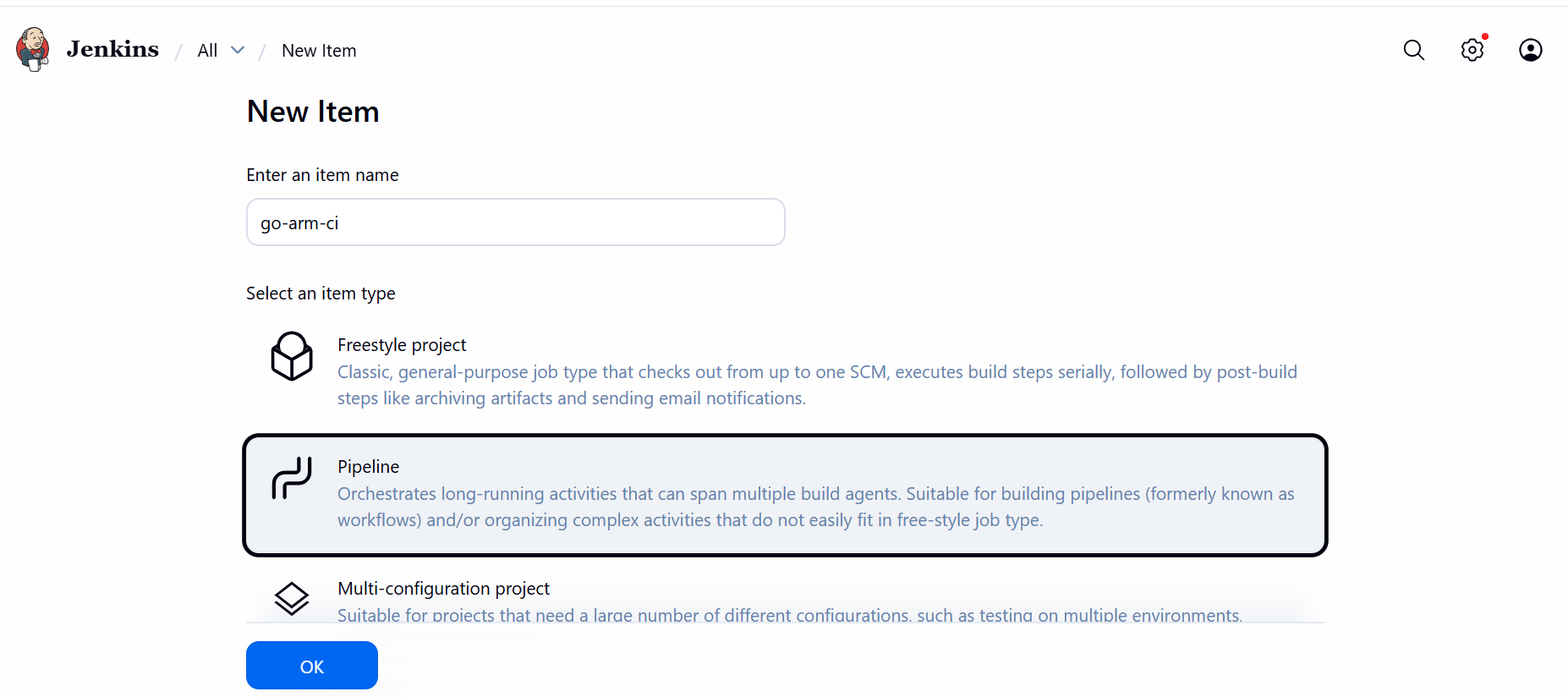 Create new job
Configure the pipeline script
In the Pipeline section:
- Set Definition to Pipeline script
- Paste the following script:
Update “/home/gcpuser/go-demo” in the script to reflect the actual location of your go-demo directory.
pipeline {
  agent any

  stages {
    stage('Environment Check') {
      steps {
        sh 'uname -m'
        sh 'go version'
      }
    }

    stage('Build Go App') {
      steps {
        sh '''
          cd $WORKSPACE
          cp -r /home/gcpuser/go-demo .
          cd go-demo
          go build -o app
        '''
      }
    }

    stage('Run Binary') {
      steps {
        sh '''
          cd $WORKSPACE/go-demo
          ./app
        '''
      }
    }
  }
}
Select Save.
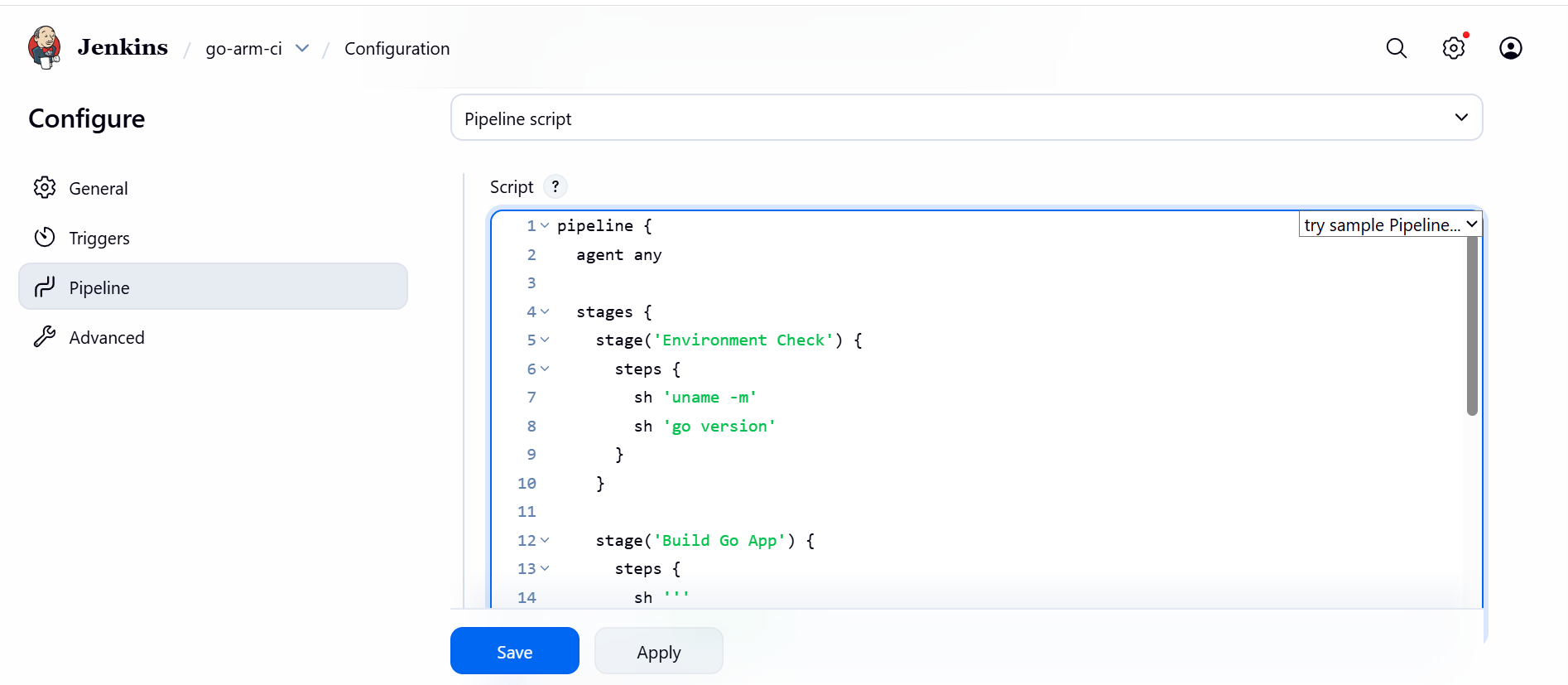 Configure pipeline script
Run the pipeline
Trigger the pipeline:
- On the job page, select Build Now
- Select the build number
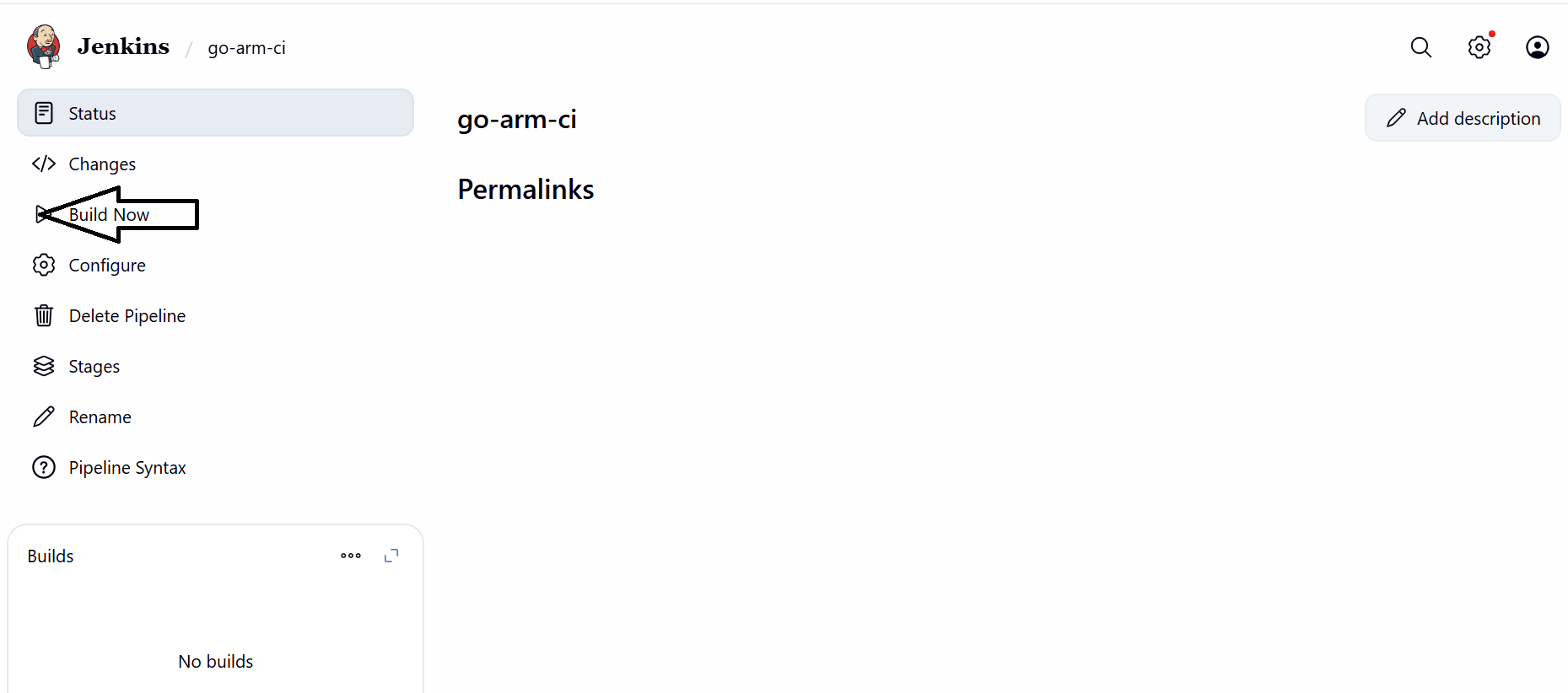 Run pipeline
View console output
Review the console logs to confirm the Go application was built and executed successfully:
- Select the build number (for example,
#1) - Select Console Output
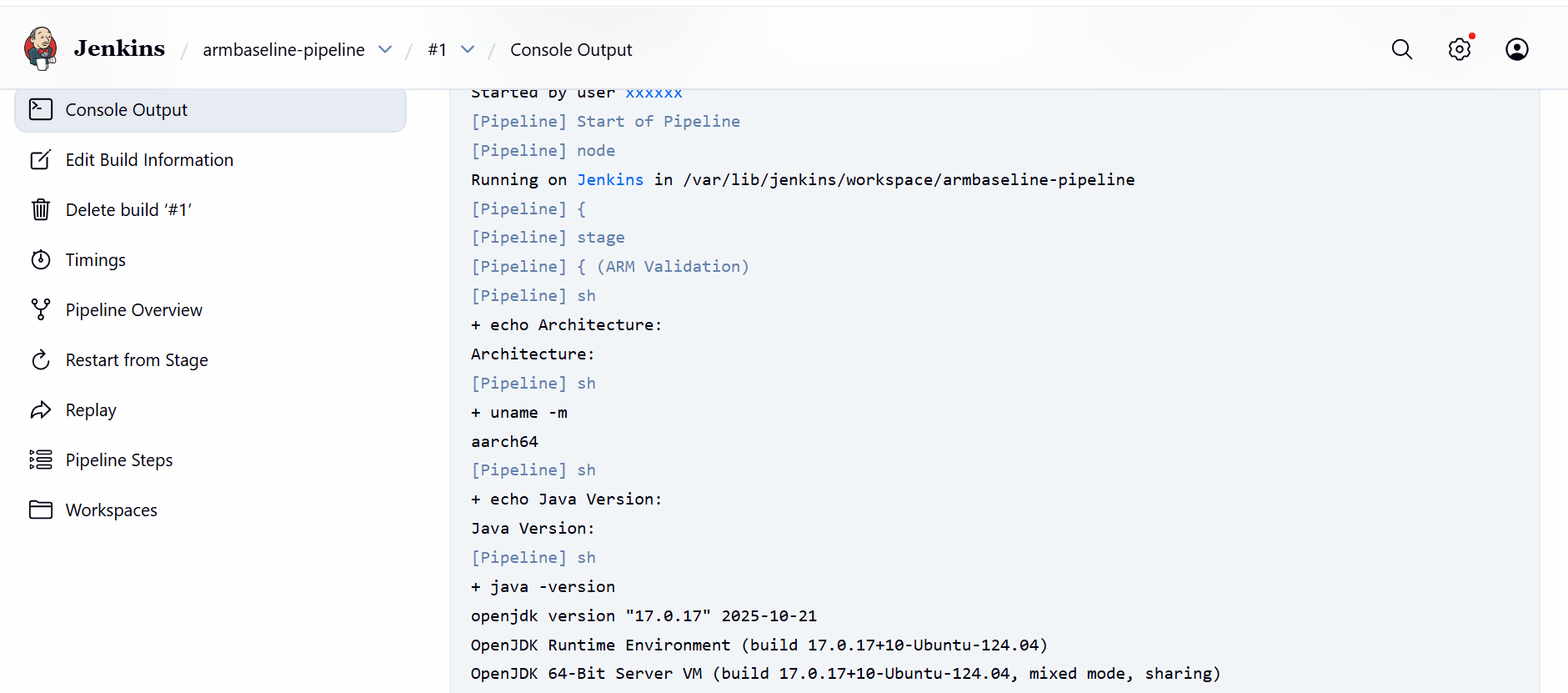 Console output
What you’ve accomplished and what’s next
You’ve successfully validated an Arm-native Jenkins CI pipeline by building and executing a Go application on your GCP SUSE Arm64 virtual machine. Successful execution confirms:
- Jenkins jobs execute successfully on Arm64
- Go toolchain runs natively on aarch64
- Jenkins workspace and filesystem handling work correctly
- End-to-end CI execution works on GCP SUSE Arm64
Your Jenkins setup is now ready for cloud-native CI workloads on Arm architecture.