Deploy and validate Jenkins on Arm cloud servers
Introduction
Technology stack overview
Create an Arm-based virtual machine using Microsoft Cobalt 100
Create a firewall rule on Azure
Install Jenkins on Azure Ubuntu Arm64 virtual machine
Create a firewall rule on GCP
Create a Google Axion C4A virtual machine
Install Jenkins on GCP SUSE Arm64 virtual machine
Validate Jenkins installation
Build an Arm-native Go CI pipeline on Jenkins (GCP SUSE Arm64)
Build a Docker-based CI pipeline on Arm64
Next Steps
Deploy and validate Jenkins on Arm cloud servers
Introduction
Technology stack overview
Create an Arm-based virtual machine using Microsoft Cobalt 100
Create a firewall rule on Azure
Install Jenkins on Azure Ubuntu Arm64 virtual machine
Create a firewall rule on GCP
Create a Google Axion C4A virtual machine
Install Jenkins on GCP SUSE Arm64 virtual machine
Validate Jenkins installation
Build an Arm-native Go CI pipeline on Jenkins (GCP SUSE Arm64)
Build a Docker-based CI pipeline on Arm64
Next Steps
Create a Google Axion C4A virtual machine
Provision a Google Axion C4A virtual machine on Google Cloud Platform (GCP) using the c4a-standard-4 machine type, which provides 4 vCPUs and 16 GB of memory.
For general guidance on setting up a Google Cloud account and project, see Getting started with Google Cloud Platform .
Use the Google Cloud console to create the VM
To create a virtual machine using the C4A instance type:
- Open the Google Cloud Console .
- Go to Compute Engine > VM instances, and then select Create instance.
- Under Machine configuration:
- Specify an Instance name, Region, and Zone.
- Set Series to C4A.
- Select c4a-standard-4 as the machine type.
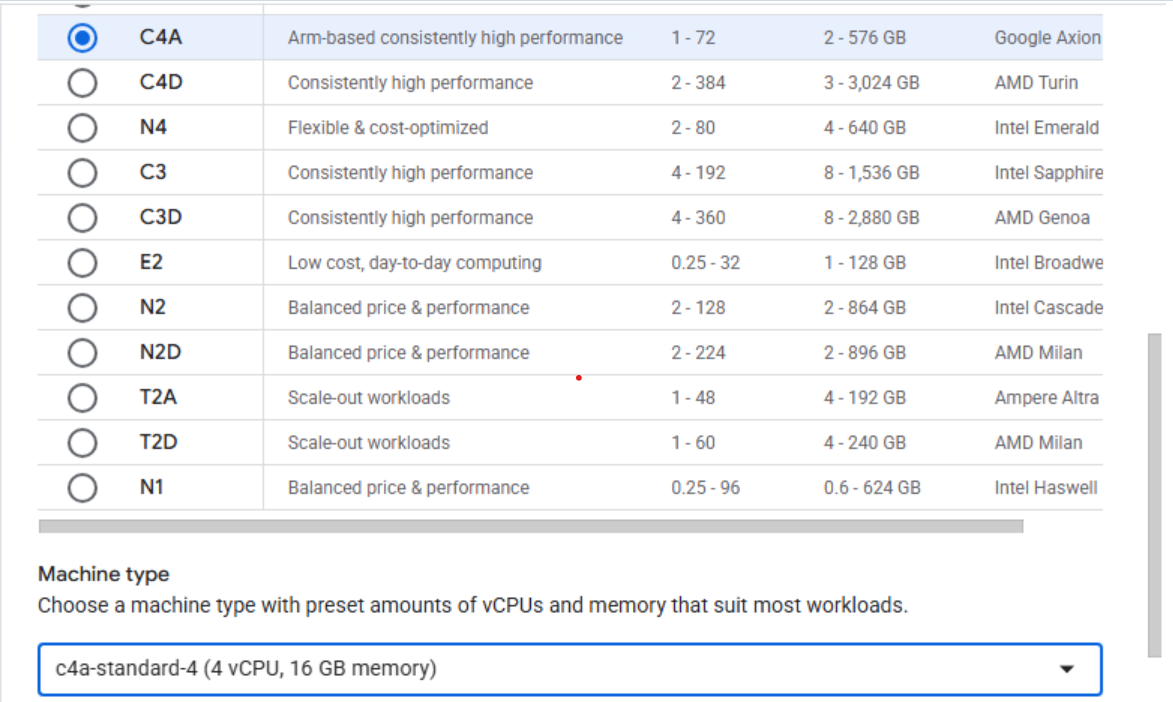 Creating a Google Axion C4A virtual machine in the Google Cloud Console
- Under OS and storage, select Change, and then choose an Arm64-based operating system image.
- For this Learning Path, select SUSE Linux Enterprise Server.
- For the license type, choose Pay as you go.
- Increase Size (GB) from 10 to 50 to allocate sufficient disk space.
- Select Choose to apply the changes.
- Under Networking, enable Allow HTTP traffic and Allow HTTPS traffic. Additionally, enter “allow-tcp-8080” as a networking tag.
- Select Create to launch the virtual machine.
After the instance starts, select SSH next to the virtual machine in the instance list to open a browser-based terminal session.
 Connecting to a running C4A instance using SSH
A new browser window opens with a terminal connected to your virtual machine.
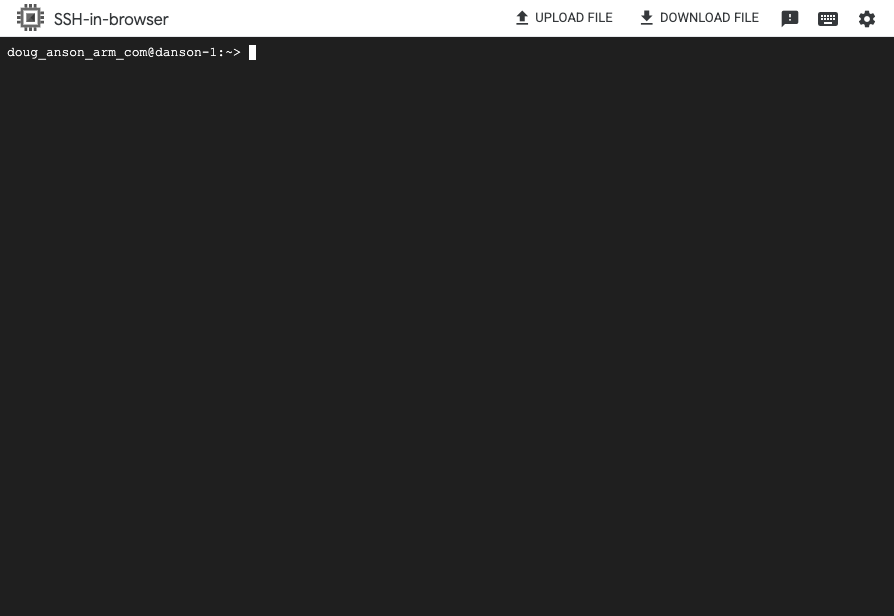 Terminal session connected to the virtual machine
Next, install Jenkins on your virtual machine.