Deploy Apache Flink on Google Cloud C4A (Arm-based Axion VMs)
Introduction
Get started with Apache Flink on Google Axion C4A
Create a Google Axion C4A Arm virtual machine
Install Apache Flink
Test Flink baseline functionality
Benchmark Flink performance
Next Steps
Deploy Apache Flink on Google Cloud C4A (Arm-based Axion VMs)
Apache Flink Baseline Testing on GCP SUSE VM
In this section you will perform baseline testing for Apache Flink after installation on a GCP SUSE VM. Baseline testing validates that your installation is correct, the JVM is functioning properly, and Flink’s JobManager/TaskManager can execute jobs successfully.
Install Maven (Required to Build and Run Flink Jobs)
Before running Flink jobs, ensure that Maven is installed on your VM. Many Flink examples and real-world jobs require Apache Maven to compile Java applications.
Install Maven
cd /opt
sudo wget https://archive.apache.org/dist/maven/maven-3/3.8.6/binaries/apache-maven-3.8.6-bin.tar.gz
sudo tar -xvzf apache-maven-3.8.6-bin.tar.gz
sudo mv apache-maven-3.8.6 /opt/maven
Configure environment variables
Configure the environment so Maven commands can be run system-wide:
echo "export M2_HOME=/opt/maven" >> ~/.bashrc
echo "export PATH=\$M2_HOME/bin:\$PATH" >> ~/.bashrc
source ~/.bashrc
Verify the Maven installation:
mvn -version
The output is similar to:
        pache Maven 3.8.6 (84538c9988a25aec085021c365c560670ad80f63)
Maven home: /opt/maven
Java version: 17.0.13, vendor: N/A, runtime: /usr/lib64/jvm/java-17-openjdk-17
Default locale: en, platform encoding: UTF-8
OS name: "linux", version: "5.14.21-150500.55.124-default", arch: "aarch64", family: "unix"
Start the Flink cluster
Before launching Flink, open port 8081 in the Google Cloud Firewall Rules so that the Web UI is reachable externally.
cd $FLINK_HOME
./bin/start-cluster.sh
The output is similar to:
        Starting cluster.
[INFO] 1 instance(s) of standalonesession are already running on lpprojectsusearm64.
Starting standalonesession daemon on host lpprojectsusearm64.
Starting taskexecutor daemon on host lpprojectsusearm64.
Verify that the Flink processes (JobManager and TaskManager) are running:
jps
The output is similar to:
        21723 StandaloneSessionClusterEntrypoint
2621 Jps
2559 TaskManagerRunner
StandaloneSessionClusterEntrypoint is the JobManager process, and TaskManagerRunner is the worker responsible for executing tasks and maintaining state.
Access the Flink Web UI
In a browser, navigate to http://<VM_IP>:8081.
You should see the Flink Dashboard:
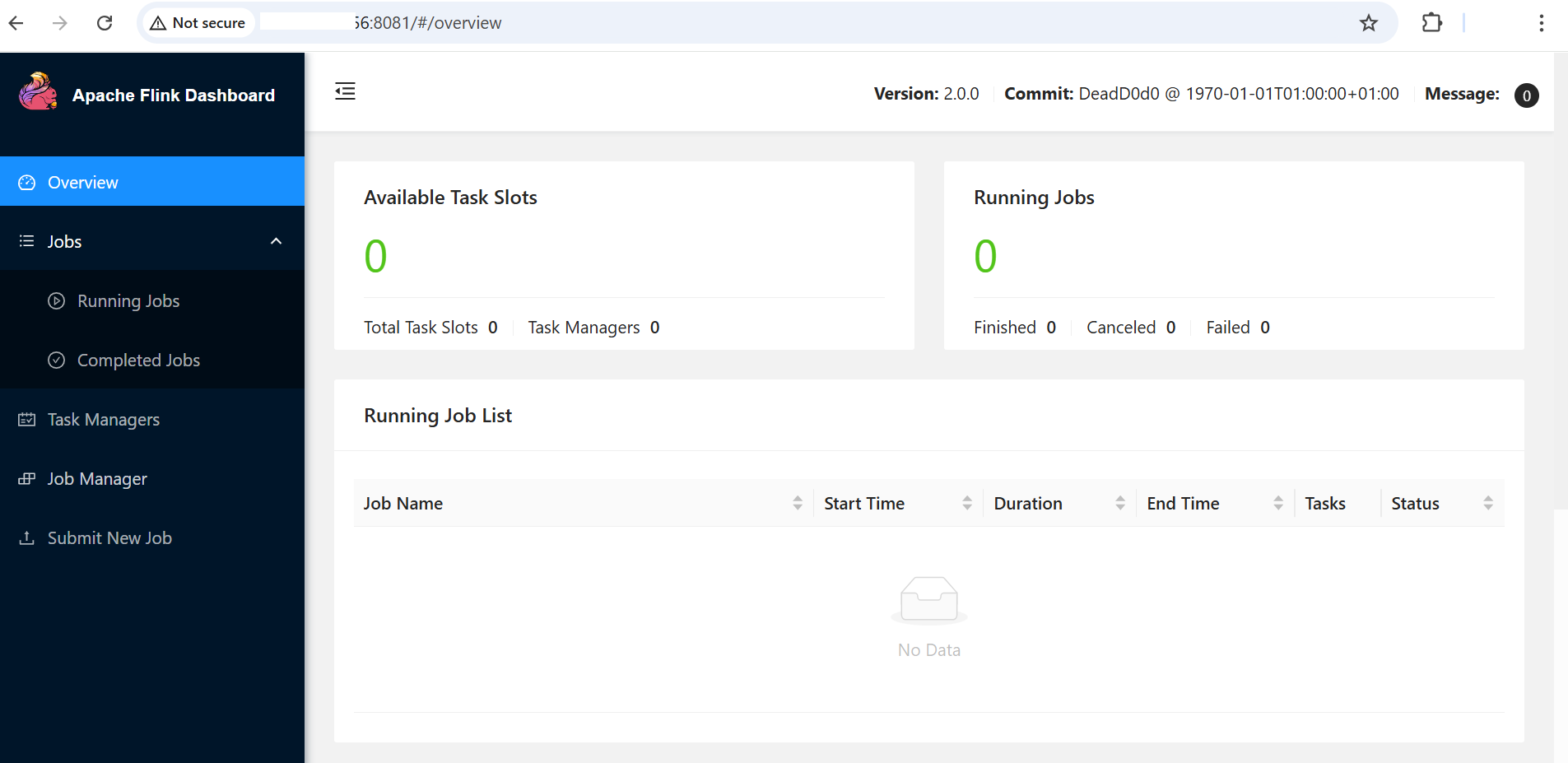 Flink Dashboard
A successfully loaded dashboard confirms the cluster network and UI functionality. This serves as the baseline for network and UI validation.
Run a simple example job
A basic check is to run the built-in WordCount example:
cd $FLINK_HOME
./bin/flink run examples/streaming/WordCount.jar
You can monitor the job in the Web UI or check console logs.
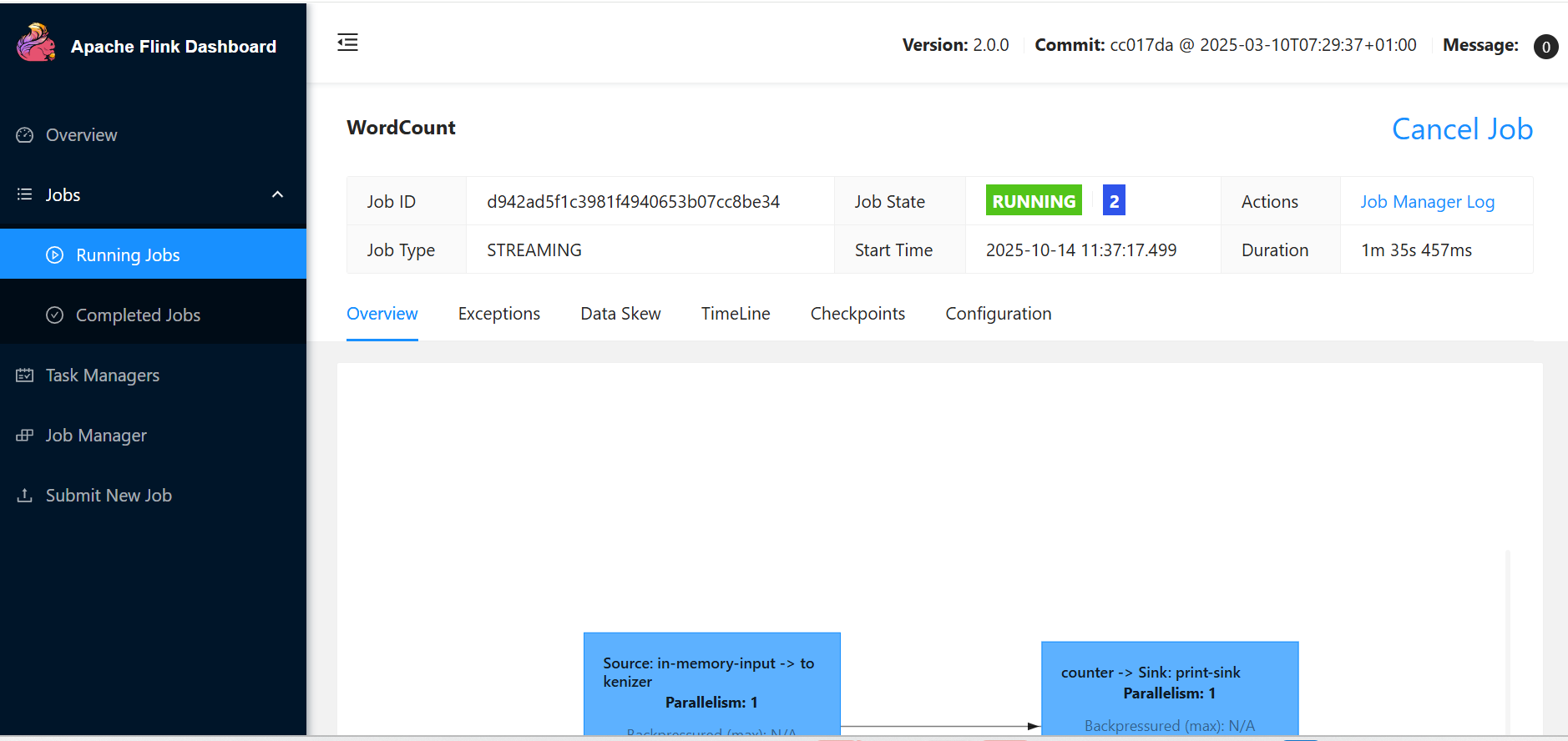 WordCount job in Flink Dashboard
Flink baseline testing is complete. You can now proceed to Flink benchmarking.