Accelerate multimodal Voice Assistant performance with KleidiAI and SME2
Introduction
Set up your environment
Overview
Build the Voice Assistant
Run the Voice Assistant
KleidiAI
Benchmark Voice Assistant
Performance
Performance with Streamline
Next Steps
Accelerate multimodal Voice Assistant performance with KleidiAI and SME2
Benchmarking
The Voice Assistant application also provides a benchmark mode so you can easily test out the performance of an LLM model with a sample number of input and output tokens.
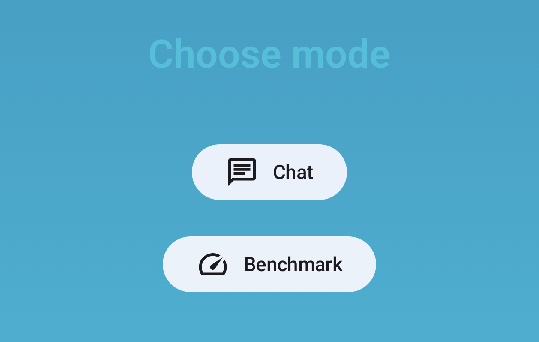 Welcome Screen
Tap Benchmark to navigate to benchmark screen.
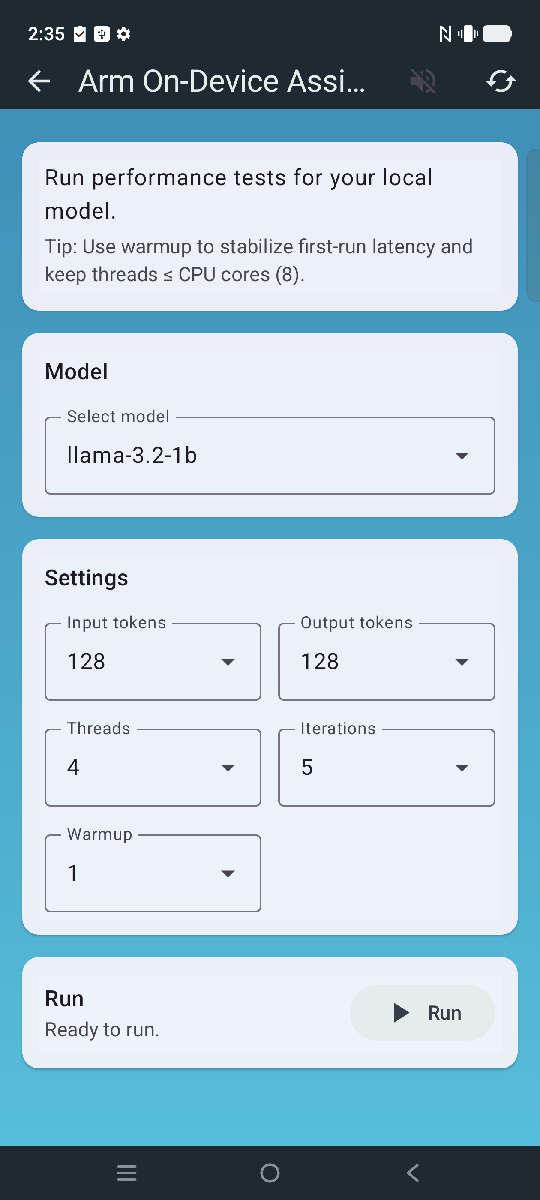 Benchmark Screen
Benchmark controls
You can use application controls to enable extra functionality or gather performance data.
| Setting | Default | Description |
|---|---|---|
| Input tokens | 128 | Number of prompt (input) tokens fed to the model before generation starts. |
| Output tokens | 128 | Number of new tokens the model should generate after the prompt. |
| Context size | 2048 | Context size in tokens. |
| Threads | 4 | Number of CPU threads used for inference. |
| Iterations | 5 | Number of measured benchmark runs to collect stable, averaged measurements. |
| Warmup | 1 | Number of warmup iterations which are not counted in benchmarking, these eliminate one-time overheads before measuring. |
To deep dive into more specific performance, you can build the Voice Assistant modules individually and run benchmarks on your Android device.