Accelerate multimodal Voice Assistant performance with KleidiAI and SME2
Introduction
Set up your environment
Overview
Build the Voice Assistant
Run the Voice Assistant
KleidiAI
Benchmark Voice Assistant
Performance
Performance with Streamline
Next Steps
Accelerate multimodal Voice Assistant performance with KleidiAI and SME2
Download the Voice Assistant
Start by cloning the repository with the complete example application code:
git clone https://github.com/Arm-Examples/Real-Time-Voice-Assistant.git voice-assistant.git
Build the Voice Assistant
Open Android Studio, select Projects, then click Open, and navigate to the project you just downloaded:
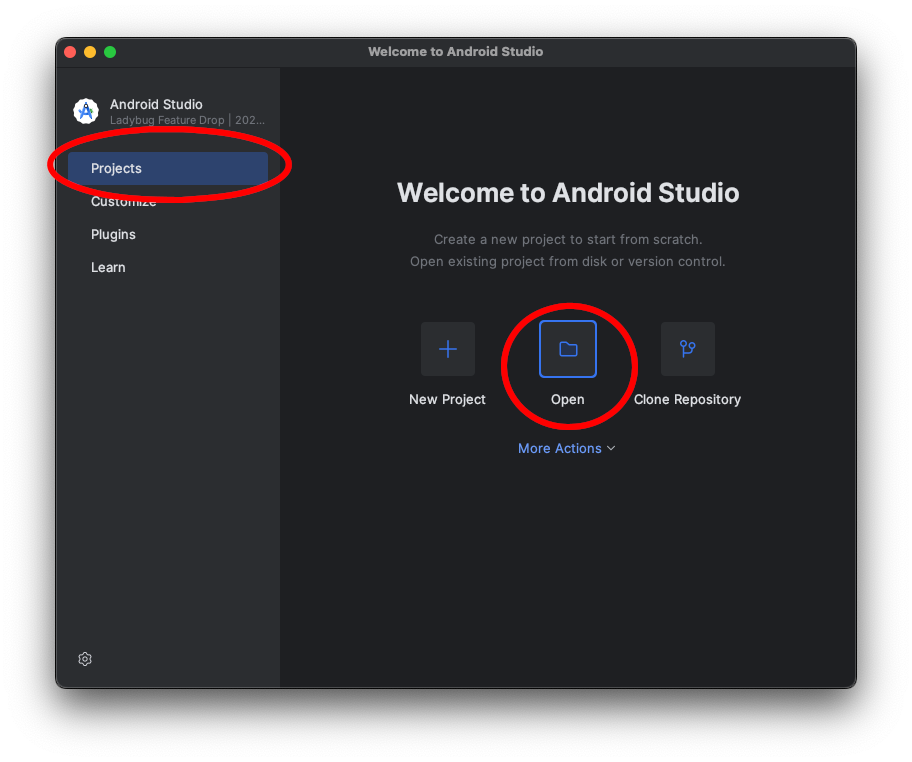 Open the project in Android Studio.
To build the application with the default settings, click the hammer icon labeled
Make Module VoiceAssistant.app in the upper right corner:
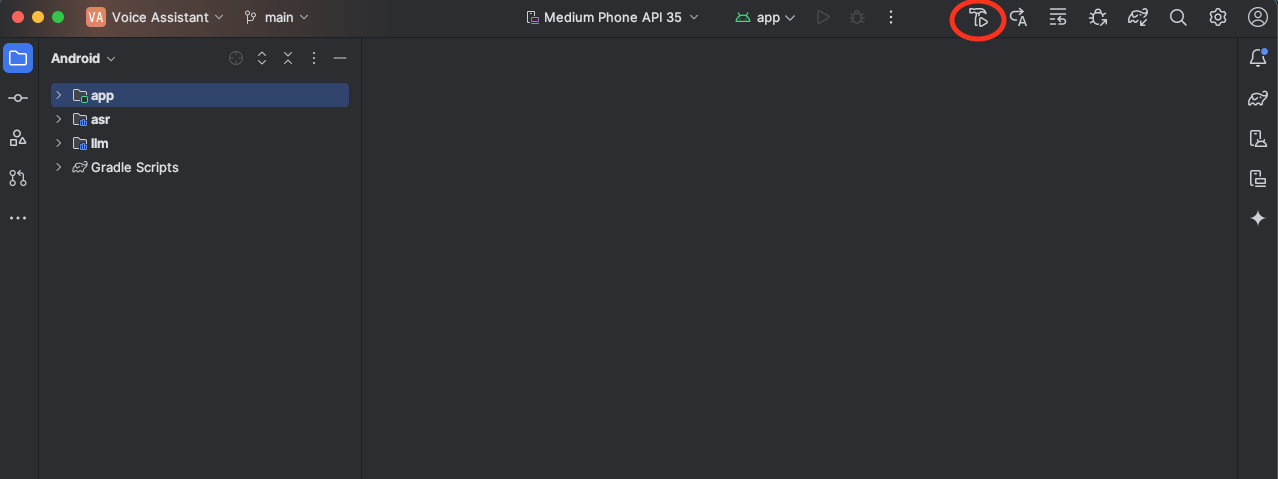 Build the project.
Android Studio will begin building the app. The first build might take longer if additional dependencies need to be downloaded.
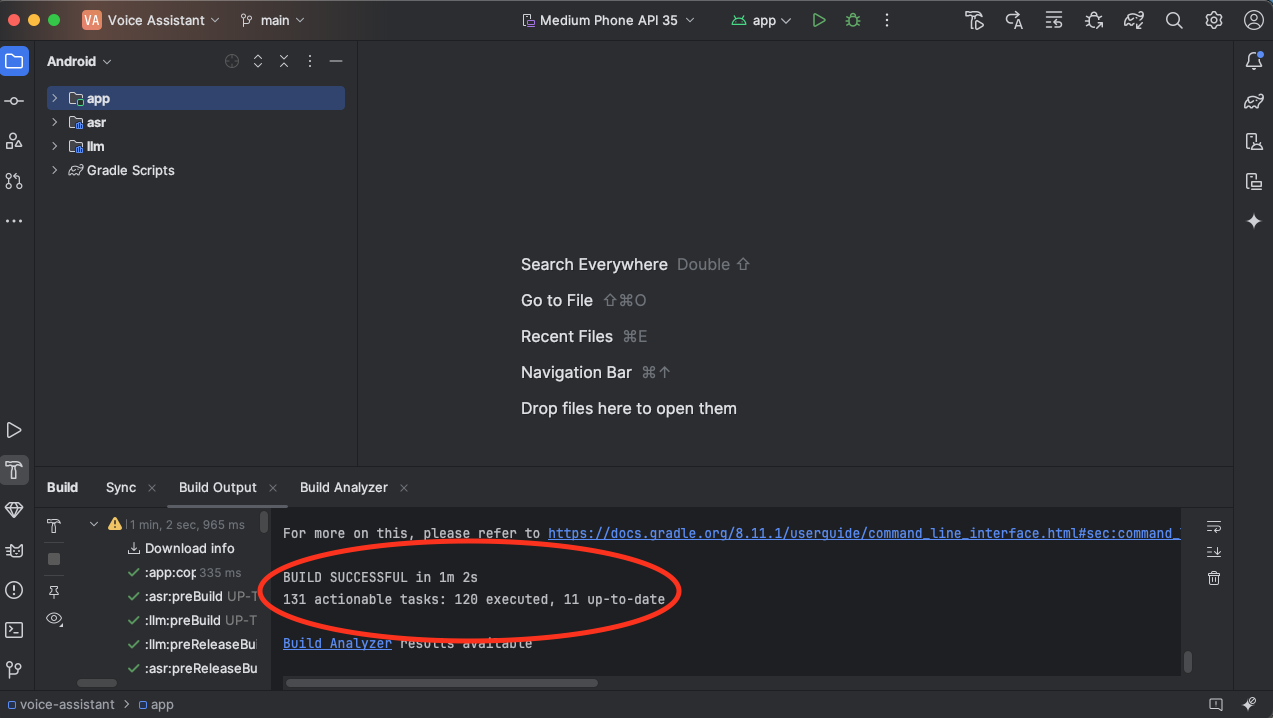 Successful build!
Now that you have successfully built the Android application, you’re ready to run the Voice Assistant in the next step.