Prepare models for neural graphics with Arm neural technology
Introduction
Set up your environment
Create a reference model
Export the reference model with the ExecuTorch VGF backend
Inspect the model in Model Explorer
Inspect TOSA artifacts
Next Steps
Prepare models for neural graphics with Arm neural technology
Install Model Explorer and adapters
Use the following commands in your active virtual environment to make sure the Model Explorer and the adapters are installed:
pip install torch ai-edge-model-explorer
pip install pte-adapter-model-explorer
pip install tosa-adapter-model-explorer
pip install vgf-adapter-model-explorer
Launch Model Explorer
Run Model Explorer with the PTE, TOSA, and VGF adapters:
model-explorer --extensions=pte_adapter_model_explorer,tosa_adapter_model_explorer,vgf_adapter_model_explorer
When the web UI opens, start with the .vgf artifacts in executorch-model/ or the generated as-vgf.pte file. If you later inspect the optional TOSA artifacts, you can use the same Model Explorer flow to compare the intermediate representation with the deployable output.
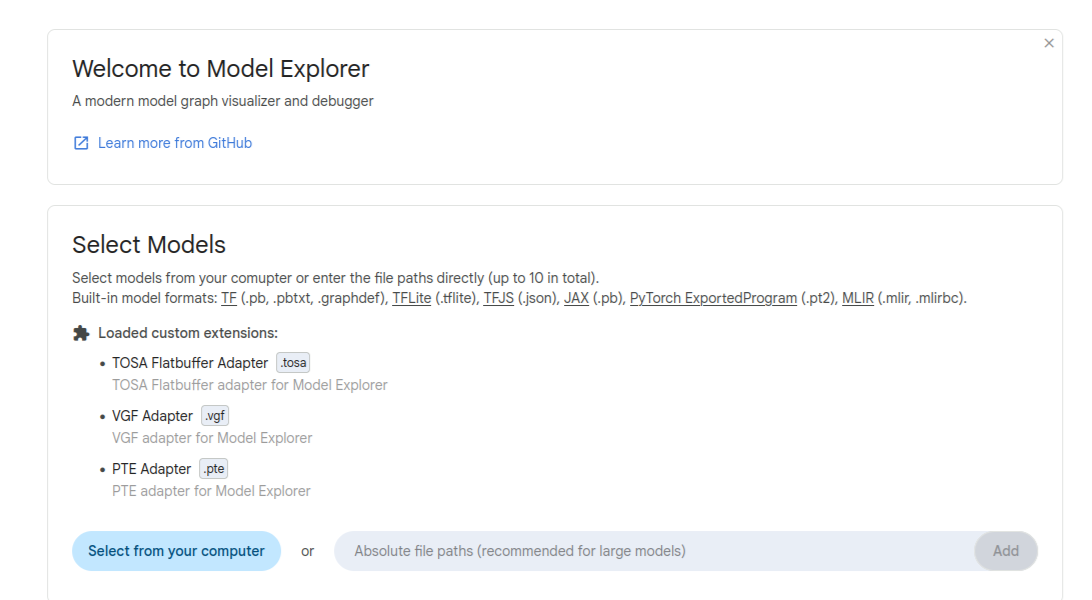 Model Explorer home screen
Inspect the exported graph
Start by confirming the graph contains the expected add and sigmoid flow. Then, check whether input/output tensor shapes match your exported model, and that no unexpected decompositions are introduced.
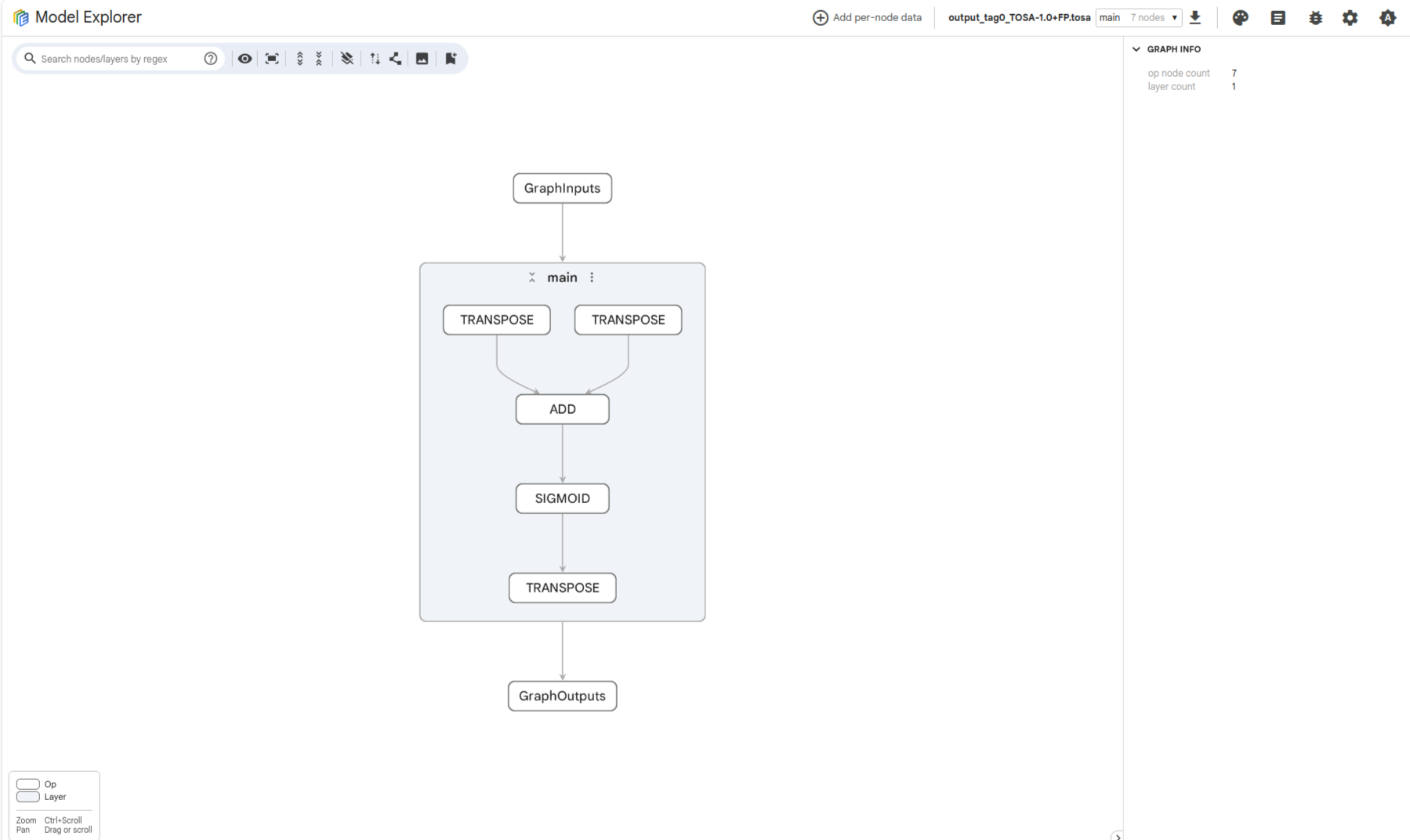 AddSigmoid graph in Model Explorer
This same inspection approach is described in the Model Gym and quantization workflows . If you want to explore more, inspect the TOSA artifacts to understand the intermediate lowering step.
What you’ve accomplished and what’s next
You’ve now installed Model Explorer adapters, launched Model Explorer, and inspected the generated .vgf or .pte artifacts for the expected graph structure and tensor shapes.
Next, you’ll extract TOSA artifacts to examine the intermediate representation between PyTorch export and backend-specific output.