Get started with Unity on Android
Open the sample project
With Unity installed with Android build support and a spinning cube running too slowly, you can now start to investigate what’s wrong.
Open the project in Unity (if you haven’t already).
Open the SampleScene scene by double-clicking the scene file from the Project tab:
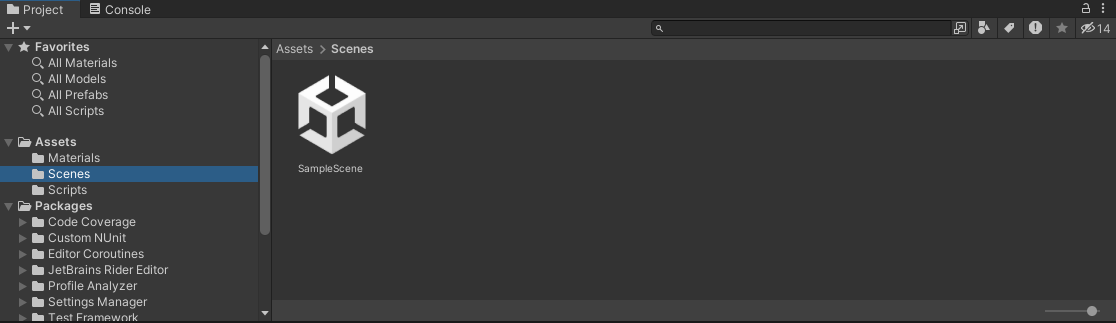 Figure 1. Double-click the scene file to open the scene
You will see a really simple scene with just a few objects:
- Main Camera
- Directional Light
- Cube
The camera and directional light haven’t been modified, but if you click on the Cube object, you will see a custom script called Spin.cs has been added.
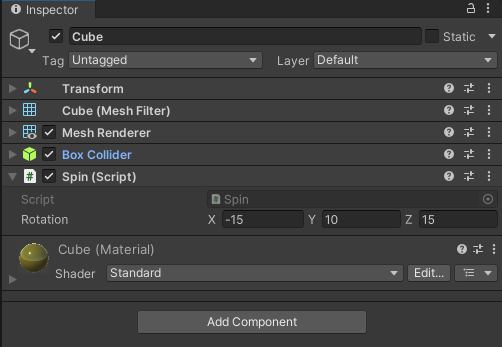 Figure 2. Custom Spin component on the Cube object
As you can see, the Spin component looks very basic; it simply applies a rotation to the Cube every frame. The speed of which can be changed using the Rotation parameter.
In the next section, you will build the project and deploy it to your Android device. In a real-life case it is good practice to confirm which devices are being affected by which issues.