Build NVIDIA JetPack Yocto images for Jetson Orin NX, Orin Nano, and Thor platforms
Introduction
Understand Yocto image builds for NVIDIA Jetson
Provision a Google Axion C4A virtual machine for Yocto image builds on Arm
Build a Yocto image for NVIDIA Jetson on a Google Axion VM
Flash the Yocto image onto the NVIDIA Jetson device
Run the Yocto image on the NVIDIA Jetson device
Next Steps
Build NVIDIA JetPack Yocto images for Jetson Orin NX, Orin Nano, and Thor platforms
Boot the NVIDIA Jetson device
After flashing completes and you connect a monitor, keyboard, and power supply, the NVIDIA Jetson device boots into the custom Yocto image.
Explore the Yocto desktop
The default Yocto build uses the Matchbox window manager. After the device boots, a desktop appears as follows:
 Yocto desktop with Matchbox window manager
Select the Terminal icon to open a shell session:
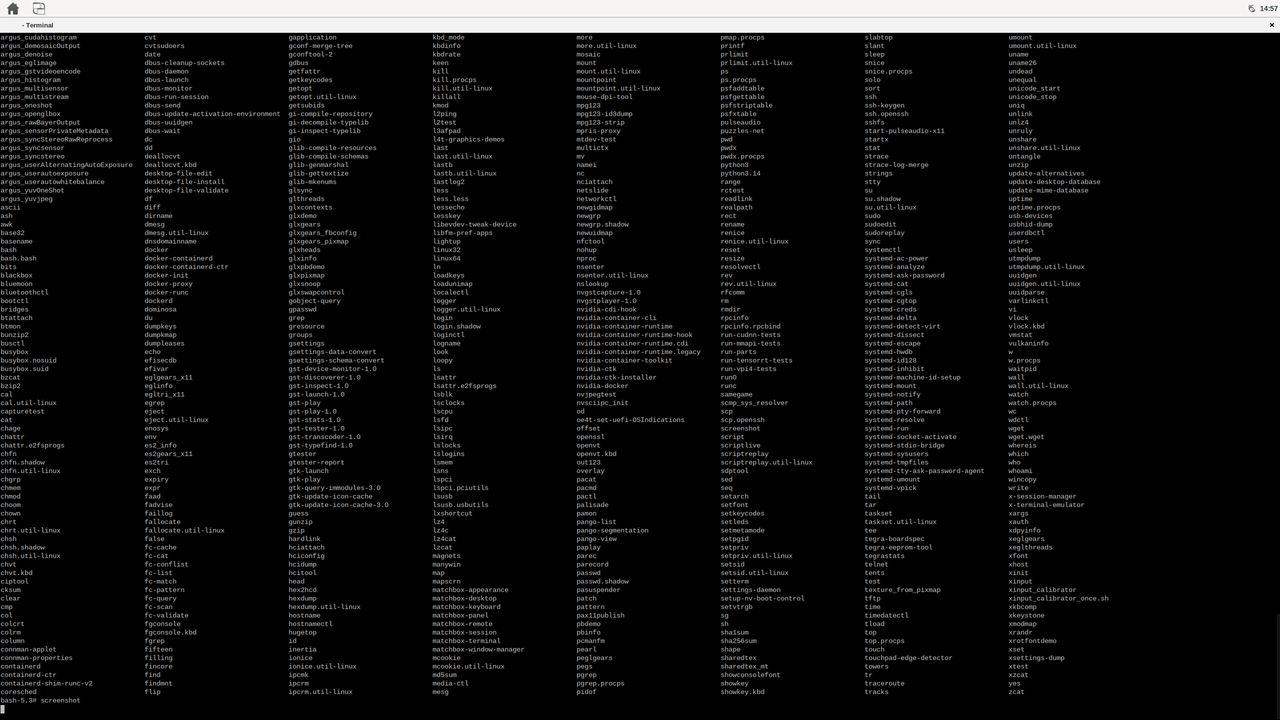 Terminal session on the Yocto desktop
Select the application menu to browse installed applications and sample programs:
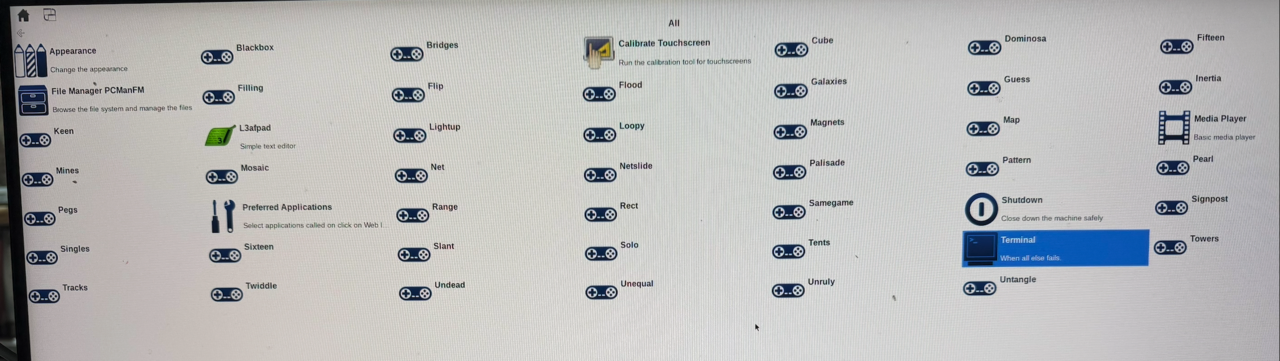 Application menu on the Yocto desktop
Verify the image
Confirm that the NVIDIA GPU drivers are loaded and the Docker runtime is available:
nvidia-smi
docker --version
The image includes the full NVIDIA Board Support Package (BSP): GPU drivers, the NVIDIA-optimized container runtime, networking support, and Wi-Fi support.
What you’ve accomplished
You’ve now built a custom Yocto-based Linux distribution from source, flashed it onto an NVIDIA Jetson device, and confirmed it boots with GPU and Docker support.
You can use the image for application development, container workloads, or further customization through additional Yocto layers and recipes.