Deploy an AWS IoT Greengrass custom component to Arm devices and verify PAC/BTI support
Introduction
Understand AWS IoT Greengrass and Armv9 PAC/BTI security features
Set up a Raspberry Pi 5 as an AWS IoT Greengrass core device
Set up a Jetson Thor as an AWS IoT Greengrass core device
Create an AWS IoT Greengrass custom component
Deploy the AWS IoT Greengrass custom component
Verify PAC/BTI support on your devices using MQTT
Next Steps
Deploy an AWS IoT Greengrass custom component to Arm devices and verify PAC/BTI support
Introduction
Understand AWS IoT Greengrass and Armv9 PAC/BTI security features
Set up a Raspberry Pi 5 as an AWS IoT Greengrass core device
Set up a Jetson Thor as an AWS IoT Greengrass core device
Create an AWS IoT Greengrass custom component
Deploy the AWS IoT Greengrass custom component
Verify PAC/BTI support on your devices using MQTT
Next Steps
Deploy PAC/BTI test using a Greengrass thing group
In this section, you’ll use a Greengrass thing group to deploy a set of components, including your PAC/BTI test component, to both Greengrass core devices.
Create the deployment
- In the AWS Console, go to IoT Core > Greengrass > Deployments, then select Create.
 Greengrass Deployments page
- Name your deployment and select the thing group
My_PAC_BTI_Test_Devices, then select Next.
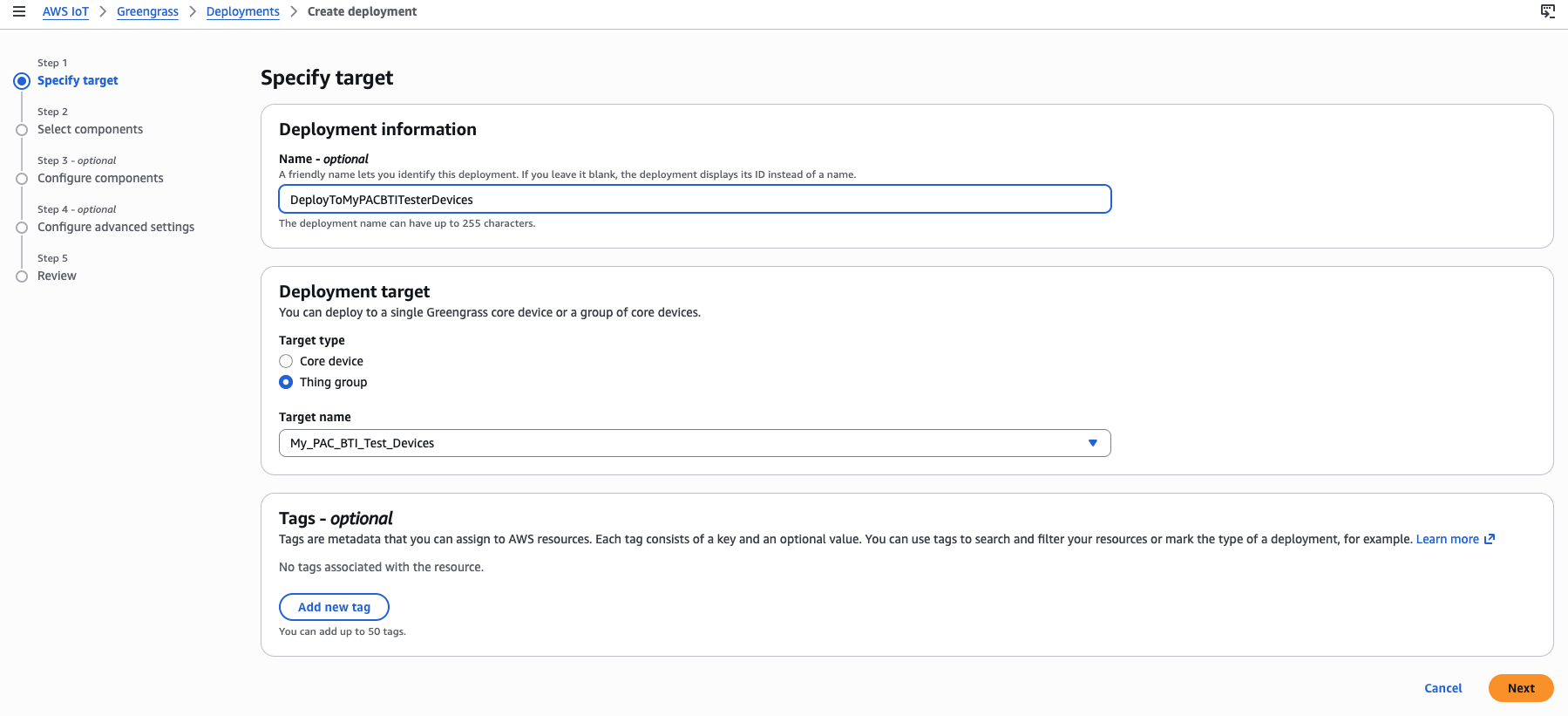 Deployment name and thing group selection
- Select the test component that you created in the previous section, as well as default Greengrass components, and then select Next.
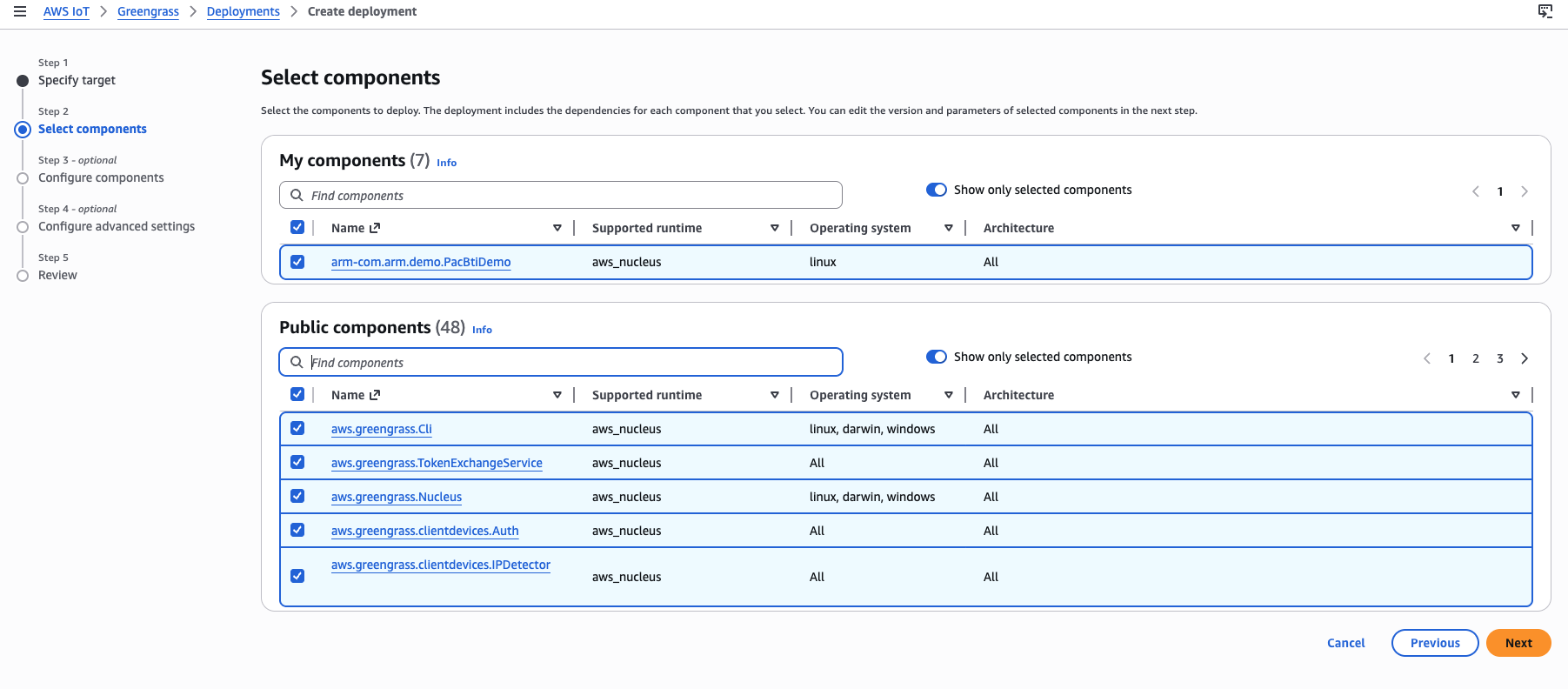 Deployment component selection step
- Leave component configurations as default and select Next.
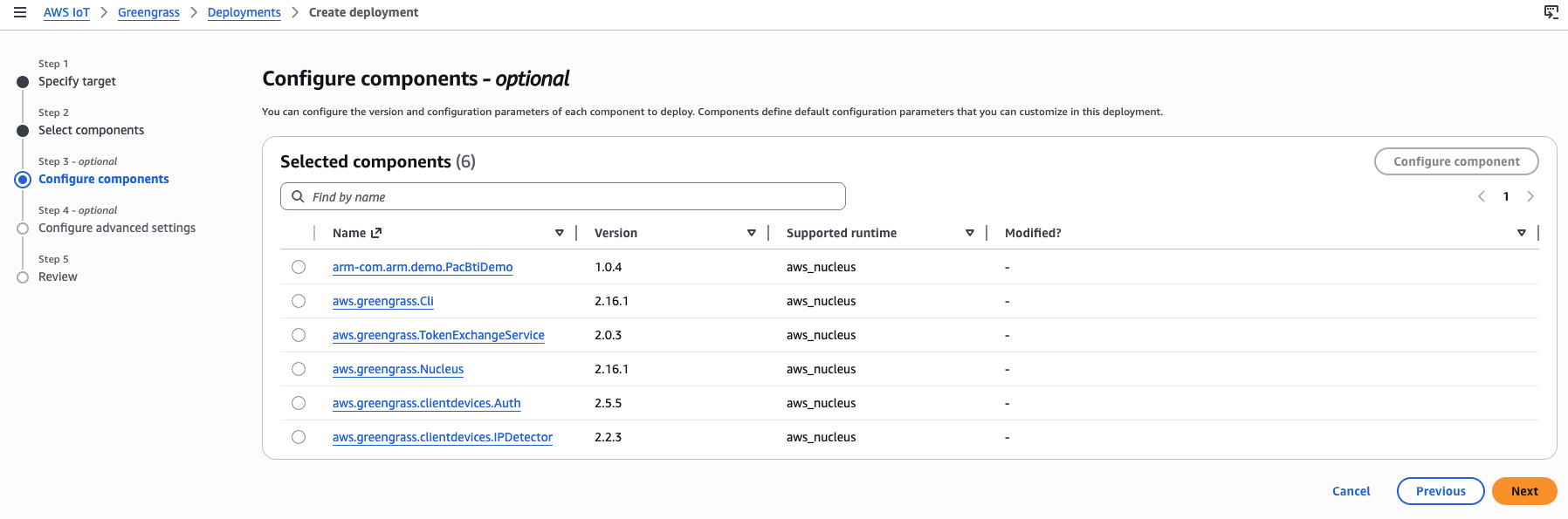 Deployment component configuration step
- Leave advanced settings as default and select Next.
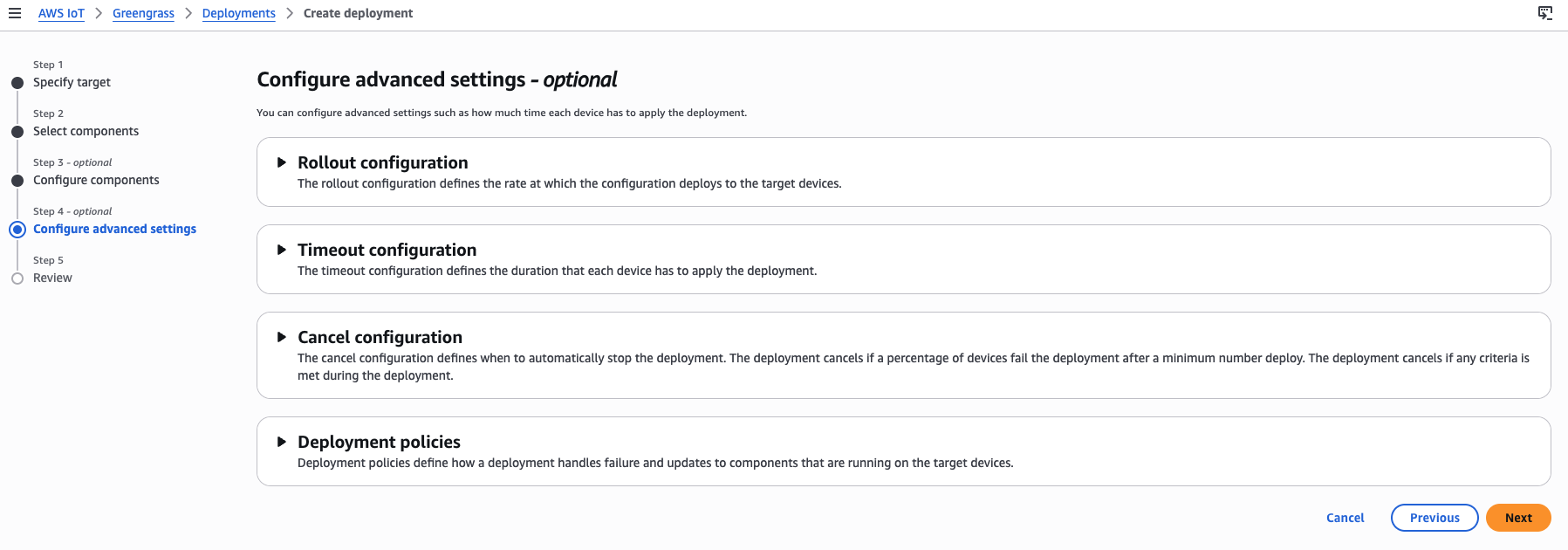 Deployment advanced configuration step
- Scroll to the end of the page and select Deploy.
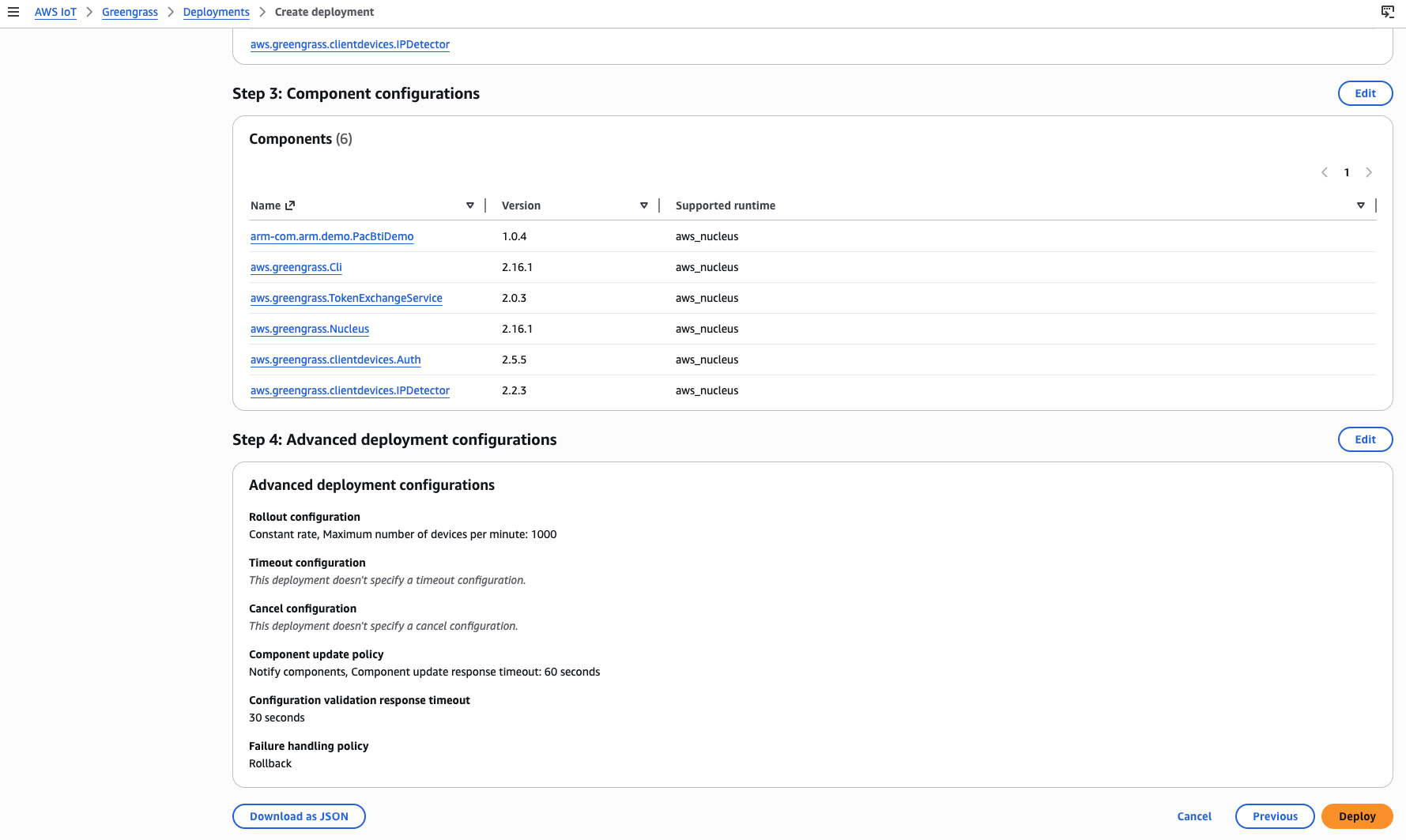 Deployment review and Deploy button
- After deployment starts, Greengrass installs and prepares the custom component on both PAC/BTI test devices. Wait until the Execution overview shows 2 successful targets.
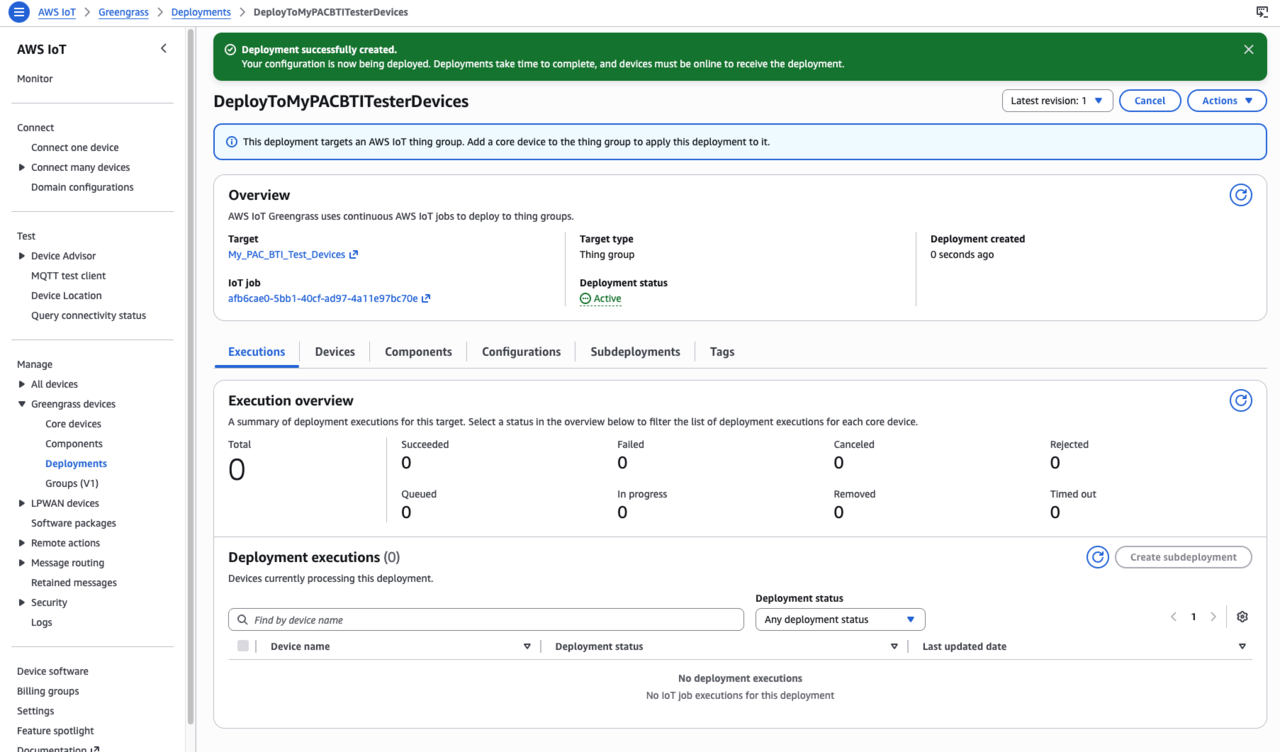 Deployment status showing 2 successful targets
When both devices show successful deployment, you’re ready to run PAC/BTI tests on each device.
What you’ve accomplished and what’s next
You’ve now created a Greengrass deployment that targeted the thing group containing both PAC/BTI test devices. The deployment installed the PAC/BTI custom component on both the Raspberry Pi 5 and the Jetson Thor devices by following the YAML recipe.
Next, you’ll run PAC/BTI tests on each device using AWS IoT Core MQTT.